With Lightbox Studio active on your site, you can turn any standard text link, button, or image link into a working Product Quick View popup simply by adding a URL parameter on any text link or button using Link Editor
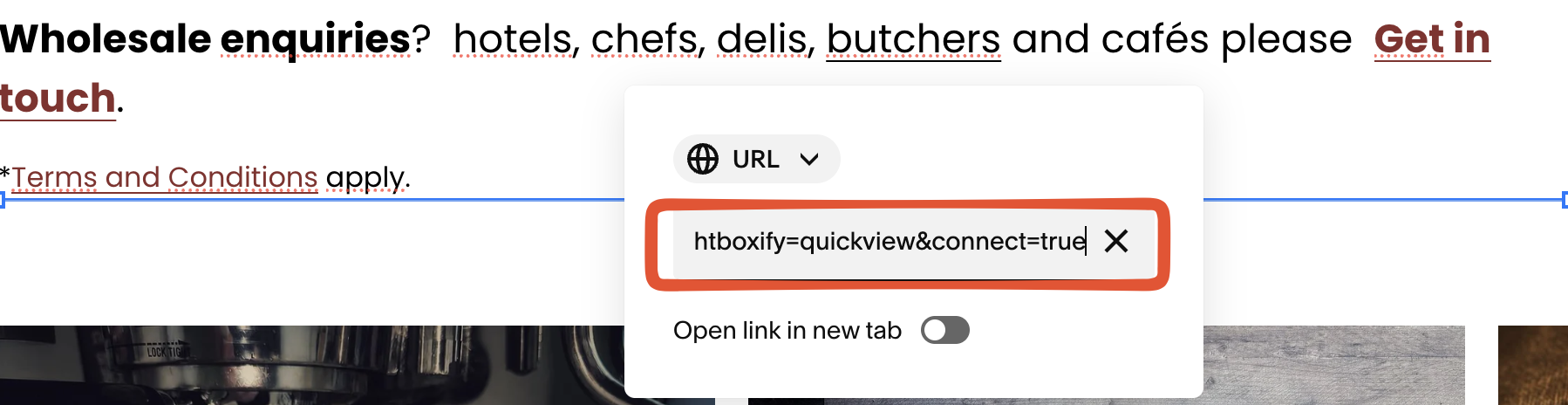
Open Quick view on any link
Single Product Quick View: Append ?lightboxify=quickview to your product URL.
Connected Gallery Navigation: Append ?lightboxify=quickview&connect=true if you want visitors to step through multiple linked products on the page without closing the popup.
Example URL Setup
Copy the relative path of any product in your store:
/shop/p/fruit-pig-retro-tin-mug
Add the Quick View parameter to the end of the link:
/shop/p/fruit-pig-retro-tin-mug?lightboxify=quickview&connect=true
Paste that link onto any highlighted word in a text block, a button block, or a navigation callout.