While Squarespace only natively offered style exports for Circle members on legacy 7.0 sites, Ground Control Pro brings Style Pack Backup directly into the Squarespace 7.1 editor for all users.
Once Ground Control Pro is active on your site, the Import Style Pack and Export Style Pack controls appear automatically inside your Site Styles panel - no extra setup needed.
How to Use Style Pack Backup
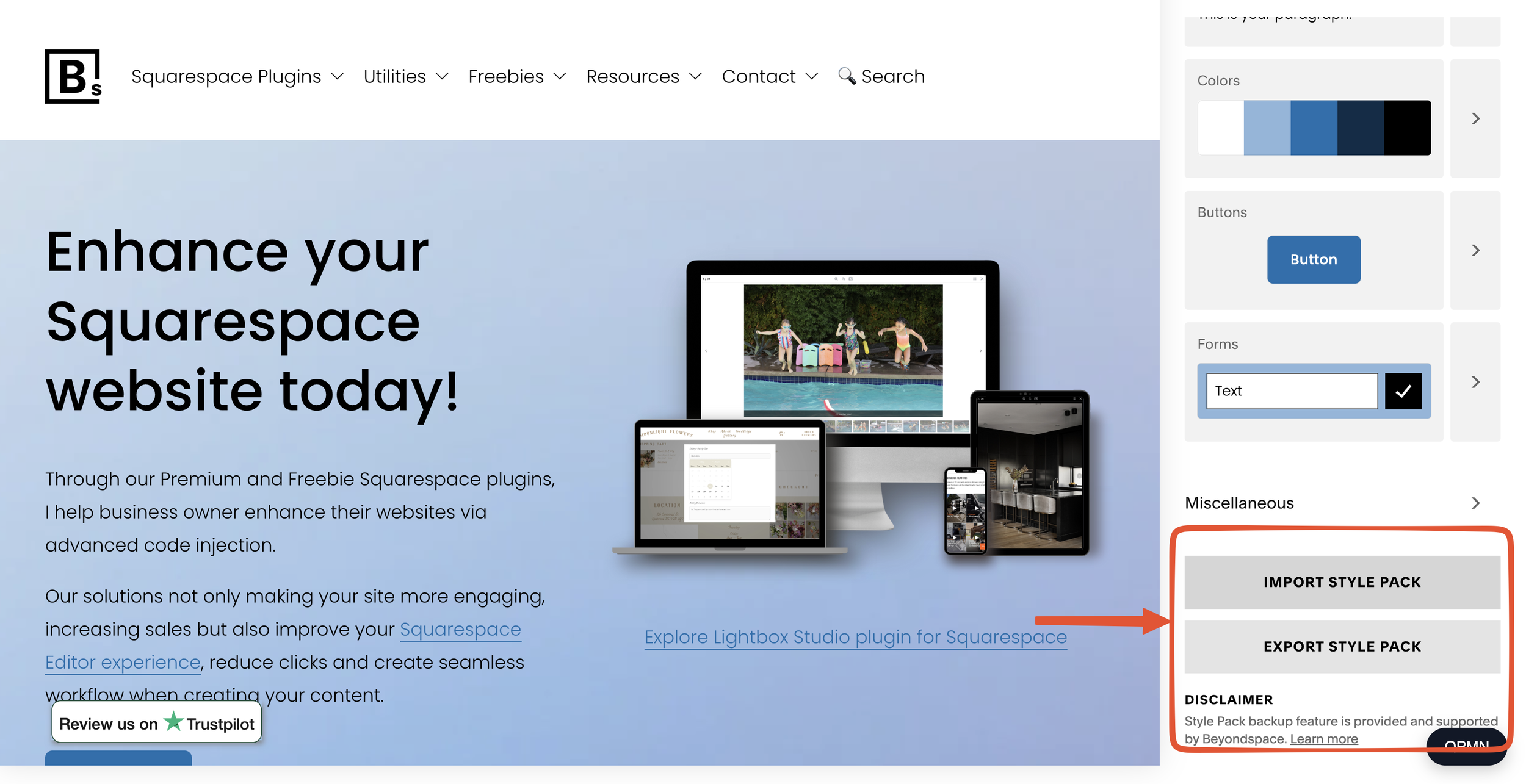
Squarespace 7.1 Site Styles backup
Open your site editor and click the Site Styles icon (the paintbrush icon in the top-right corner of the preview bar) or via Website → Styles
Scroll to the bottom of the Site Styles panel (below Miscellaneous) to find the Import Style Pack and Export Style Pack buttons.
What to Know Before Importing or Exporting
Use with caution: Style Pack import/export is not an officially documented or publicly released Squarespace 7.1 feature - Ground Control Pro surfaces the underlying style-pack mechanism directly inside the Site Styles panel. Always test importing on a duplicated or staging site first before applying changes to a live production site.
7.1 Style Snapshots: Exports download as a .json file (for example, stylepack-your-site-site-styles.json) containing your site’s colors, themes, fonts, buttons, forms, animations, spacing, and image block styles.
Live Preview Before Committing: When you import a Style Pack, you can preview the new look live on your page first. Use the bottom preview bar to click Apply Styles or Exit Preview—nothing is permanently saved until you apply and save.
Safe Rollback & Backups: Your existing styles are preserved while previewing, and we recommend clicking Export Style Pack to save a backup copy before applying a new file. (Note: Some animations may not render fully during preview and will appear right after applying.)
Custom CSS: Custom CSS rules are separate from Site Styles and are not included in the Style Pack JSON file.