

Paperless Flip
For Squarespace
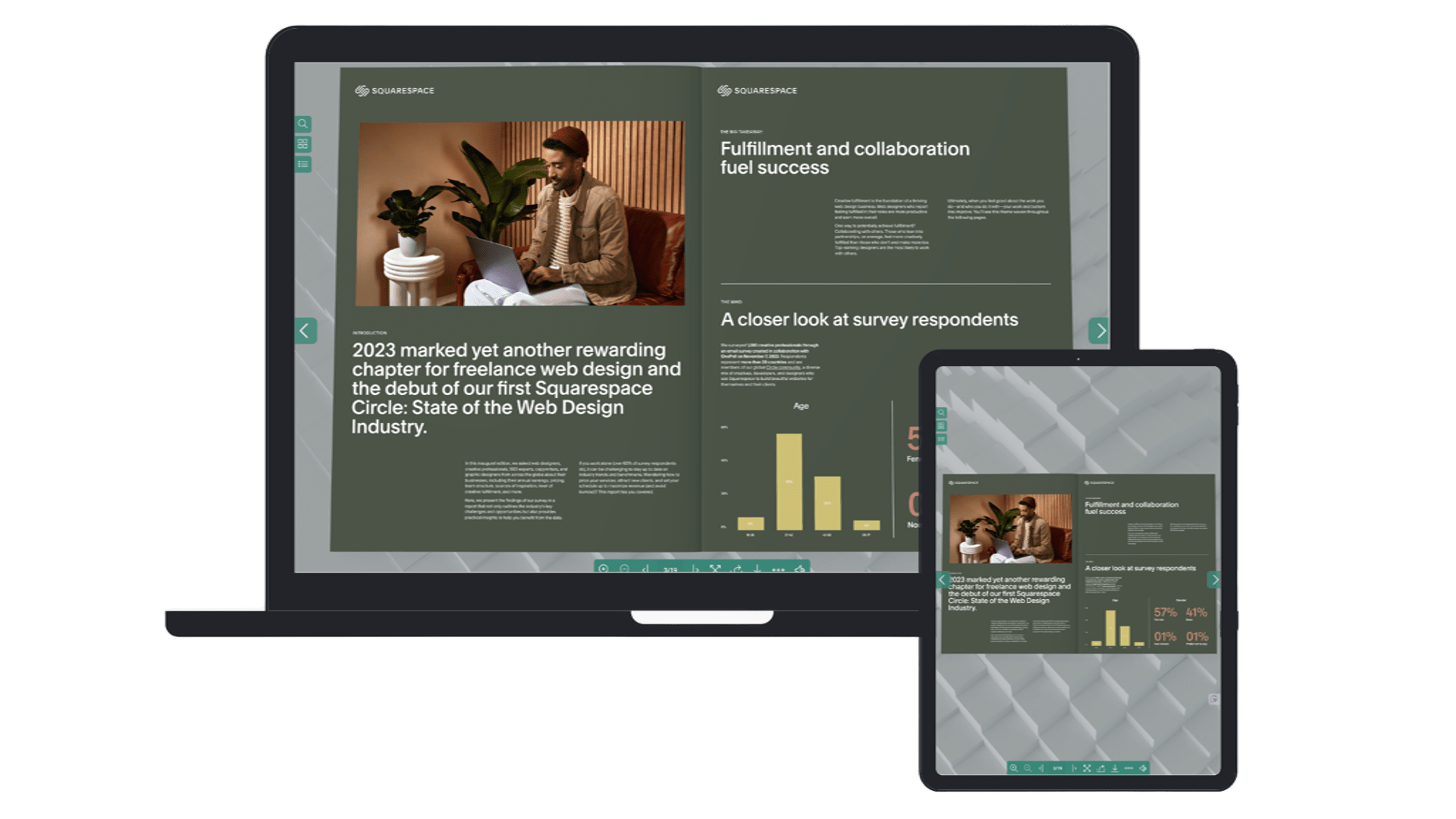
Transform Squarespace PDF files into interactive flipbooks to give visitors a responsive, page-turning reading experience - replacing clunky downloads with a sophisticated interface that keeps visitors on your site longer.
Can be seen on





WHY DO YOU NEED PDF FLIPBOOK?
Boost engagement with Parper Flip for Squarespace, allow you use to stay longer when viewing your documents
Support uploaded PDF files of Squarespace out of the box
Natural Engagement
Transform static documents into a visual, intuitive flow that feels natural to browse and hard to put down - outperforming standard PDFs every time.
Boost Conversion
Drive more lead interactions by keeping visitors engaged longer, encouraging them to explore more pages and take action.
Snappy Experience
Eliminate loading friction with a familiar, high-performance interface that makes viewing documents quick, seamless, and pleasant.

PDF Flipbook for Squarespace
How it works?
Simple steps to add a PDF flipbook widget on your Squarespace.
Install Paperless Flip plugin
You will recieve install instruction after purchasingUpload Your PDF
Use the Link Editor to upload PDF on Squarespace and copy the PDF link linkCreate a flipbook
Insert a Code block where you want to display the flipbookSave & Preview
Save your changes and view the PDF in an immersive flipbook interface
Purchase Paperless flip plugin
Effortlessly turning your PDFs into flipbooks
Subscription
Guaranteed compatibility and priority support.
- Unlimited flipbooks & PDF files
- Unlimited page views
- Ongoing updates & priority support
One-time purchase
Perpetual license.
- Unlimited flipbooks & PDF files
- Unlimited views (Fair Use Policy)
- 12 months of updates & support
Fair use policy
What is fair usage exactly? Fair usage is a performance safeguard designed to ensure every Paperless Flip user enjoys a fast and reliable experience, this policy ensures that the service remains high-quality for the entire community.
The fair use policy is set at 10,000 monthly views. This is a soft limit, so if you exceed it during a busy month or a viral spike, your flipbooks will keep working as normal. If you are consistently a high-traffic user for several months, I will reach out to help you migrate to the Yearly Unlimited plan to better accommodate your growth.
Frequently Asked Questions
-
Squarespace doesn’t include a built-in flipbook feature.
With the Beyondspace Paperless Flip Book plugin, you can easily turn PDFs into interactive, page-flipping experiences directly on your site—no external tools needed. -
Since Squarespace doesn’t have a dedicated file management area for PDFs, you’ll use the Link Editor to upload the PDF. Here’s how:
Insert a Link in the Squarespace Editor: Navigate to the page where you want to add the PDF, and insert a button or hyperlink in the content.
Upload the PDF via the Link Editor:
Open the Link Editor, then select File as the link type.
Upload your PDF file directly here. Squarespace will automatically generate a URL starting with /s/ (e.g., /s/sample-file.pdf).
Select the Uploaded PDF: After the upload is complete, check the box next to the file name to select it.
-
Currently, Squarespace only allows linking PDFs for viewing on new browser window or download. Paperless Flip plugin allows you to view PDF in flipbook format in the same window
-
PDF files are hosted on Squarespace for maximum flexibility, with a 20MB upload limit per file.
That means you can create unlimited PDF flipbooks with Paperless Flip
-
Yes, embedding PDFs through Lightbox Studio offers unlimited bandwidth via Beyondspace’s proxy, provided free of charge. However, in cases of exceptionally high usage, I may contact you to explore alternative proxy options to ensure uninterrupted service.
-
Paperless Flip plugin has Table of Content feature so your vistors can browse complex PDFs easier
-
Yes! The plugin support anywhere block editor available: from blog post body, normal pages to product additional info