

Macroom Viewer
For Squarespace
Display massive, super high-resolution images directly on your Squarespace website. Bypass the standard 2,500px compression limit without slowing down your pages or paying for external hosting.
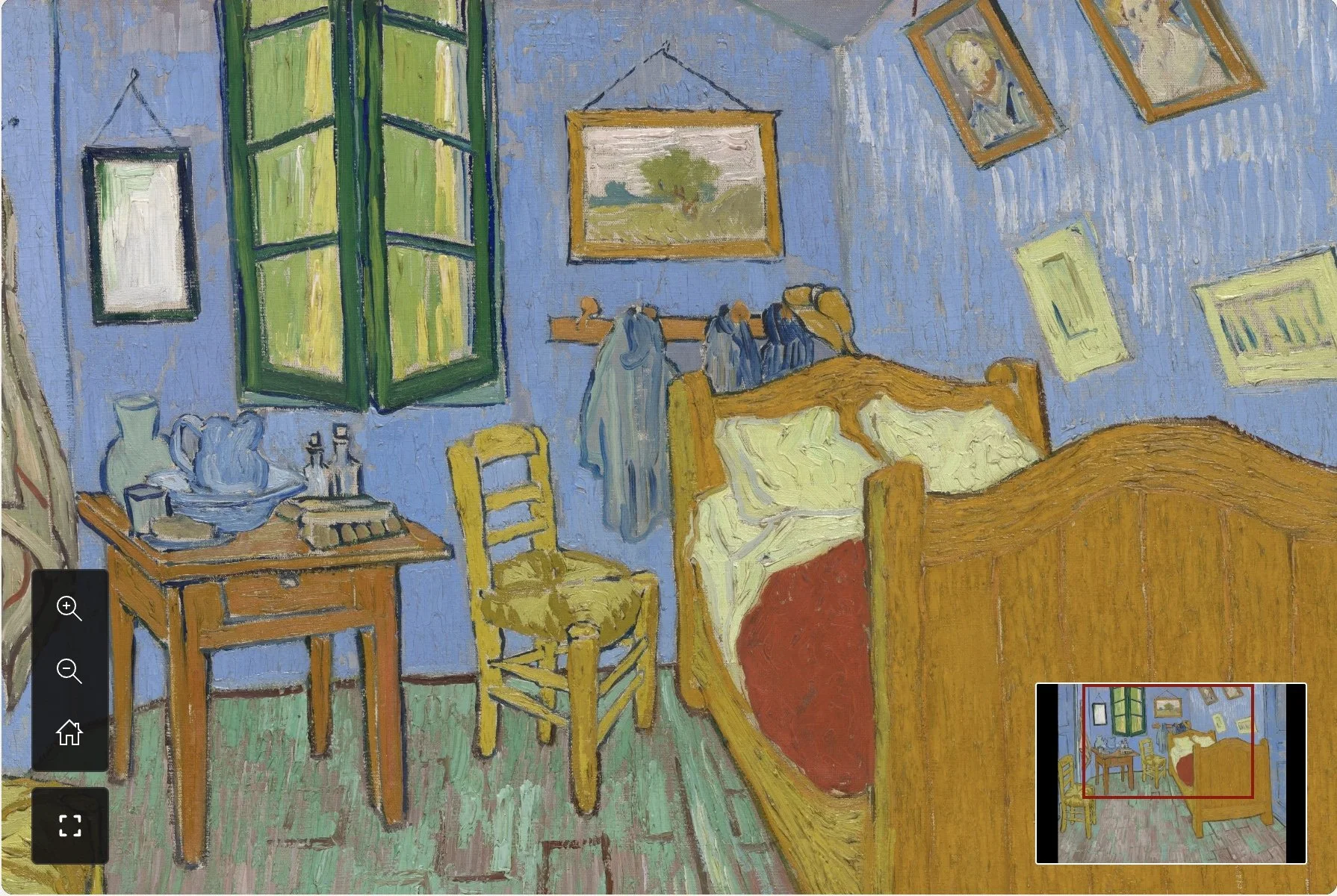
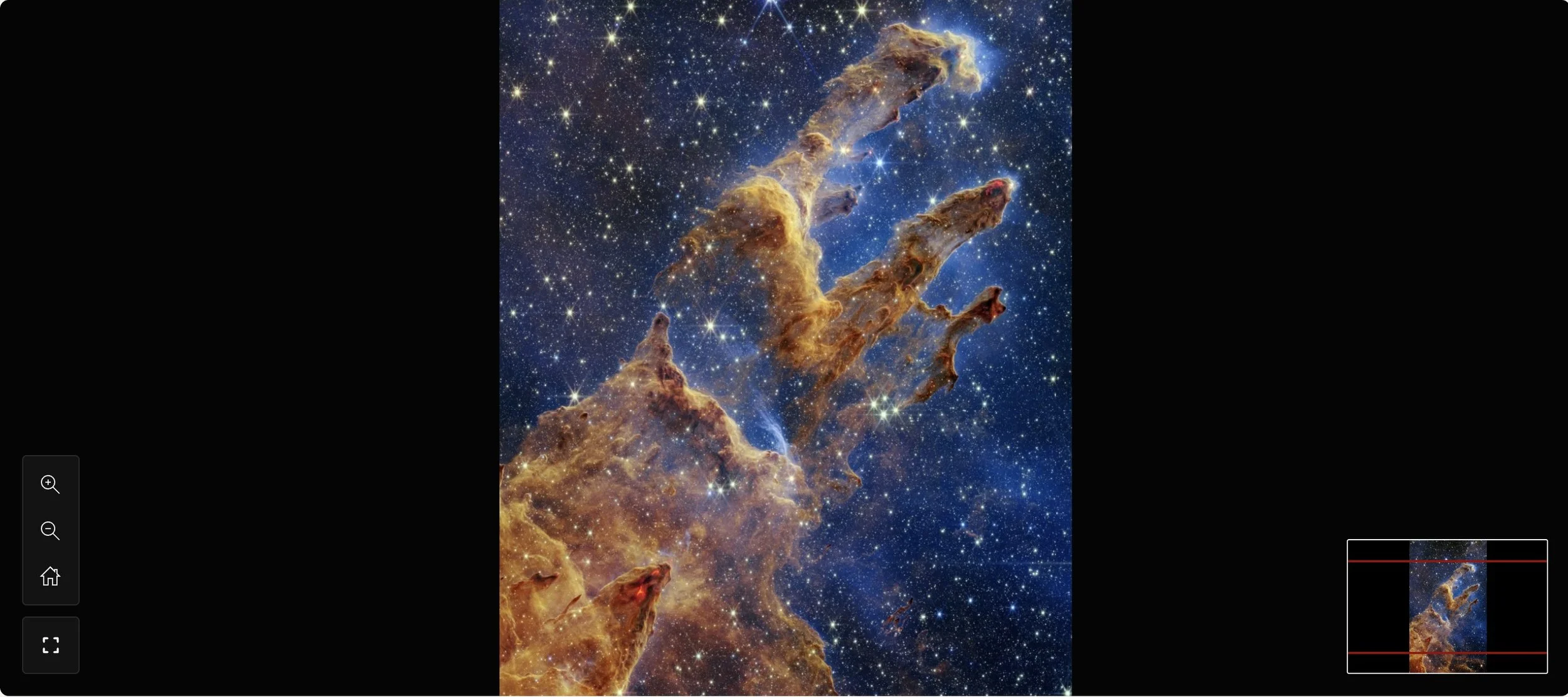
NASA’s Webb The Pillars of Creation - 8,423 × 14,589 pixels (~159MB)
WHY DO YOU NEED HIGH-RES IMAGE VIEWER?
Boost engagement with Macroom Viewer for Squarespace.
Allow your visitors to spend more time exploring the deepest details of your work without affect your site's performance.
Natural Engagement
Transform flat, static images into an interactive playground. Let users intuitively pinch, pan, and zoom into fine brushstrokes, architectural lines, or deep textures—an exploration experience that standard image blocks can't touch.
Boost Conversion
Prove the premium quality of your physical art, prints, or products. By revealing the microscopic details and true texture, you build instant buying trust, keep high-intent leads on your page longer, and drive higher-tier sales.
Snappy Experience
Eliminate the massive loading lag of giant imagery. The plugin fractions your master file so mobile devices and desktop browsers only load the exact pixels being viewed - making the zoom feel instant, lightweight, and fluid.
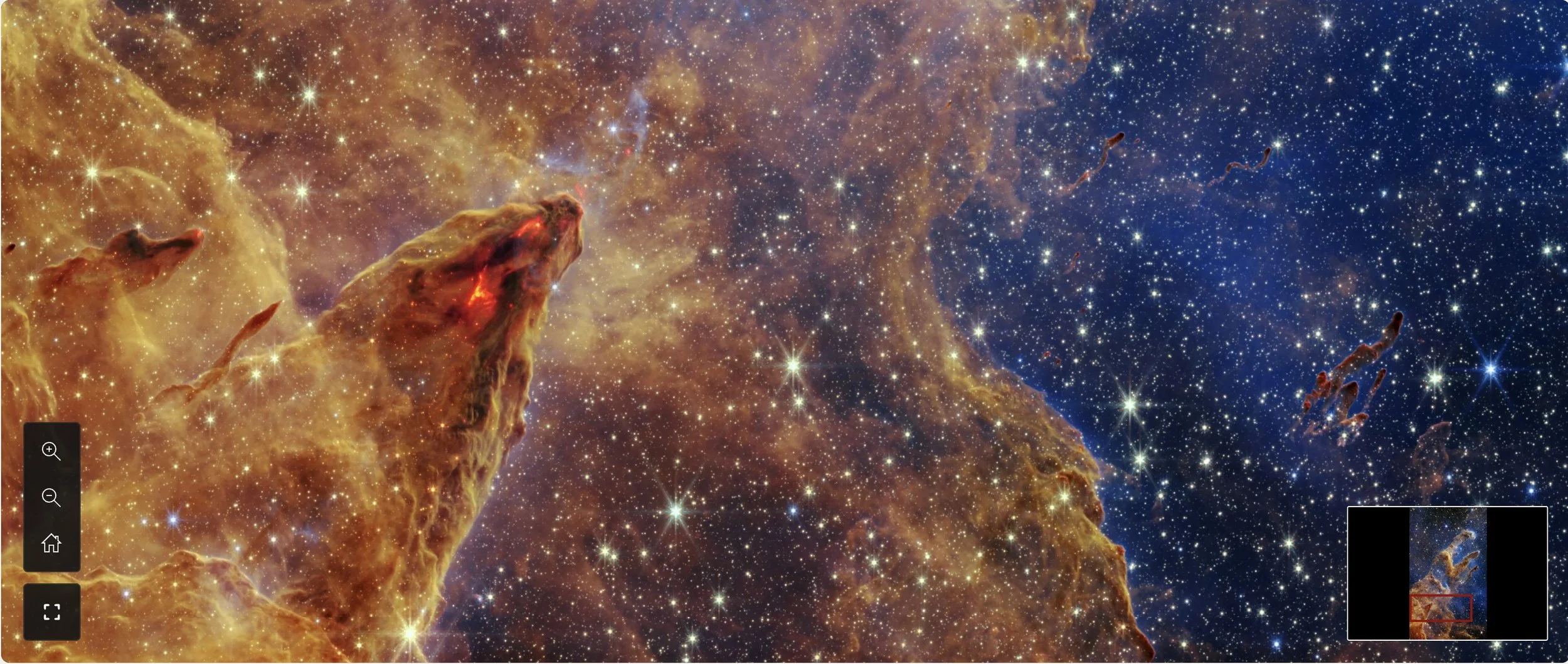
High-resolution viewer on Squarespace
How it works?
Simple steps to add a high-res image viewer widget on your Squarespace.
Install Macroom Viewer plugin
You will recieve install instruction after purchasingGenerate image tiles
Use your preferred deep zoom image generator or the web version of slicer on BeyondspaceUpload the tiles to a Gallery block
Upload the generated tiles into a dedicated folder in your Squarespace Asset Library, then add them to a standard Squarespace Gallery Block.Insert the viewer
Place a standard Image Block where you want the high-res viewer to appear on your page layout, and link it to your page that contains the tile-filled Gallery Block.
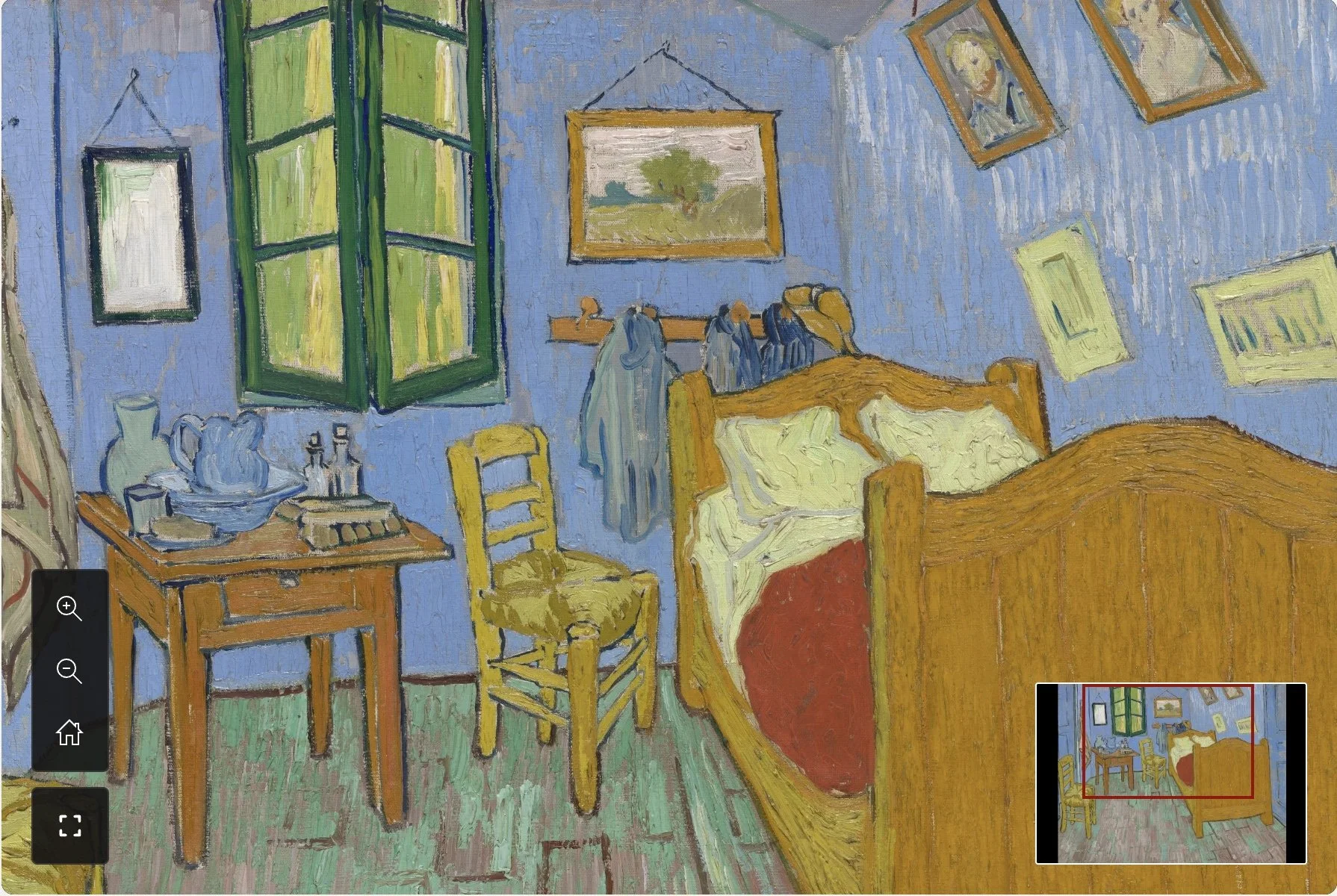
Van Gogh’s The Bedroom - 8,211 × 6,501 pixels (~300MB)
Purchase Marcoom Viewer
Effortlessly display super high-resolution images
Subscription
Guaranteed compatibility and priority support.
- Unlimited high-resolution images
- Unlimited page views
- Ongoing updates & priority support
One-time purchase
Perpetual license.
- Unlimited high-resolution images
- Unlimited views
- 12 months of updates & support
Why the Ongoing Support Subscription?
Because Squarespace is a constantly evolving platform that frequently updates its internal codebase, rendering engines, and CDN structures, we offer both fixed-version and continuously supported license paths.
The ongoing support will ensure you access the latest changes and new features over time.
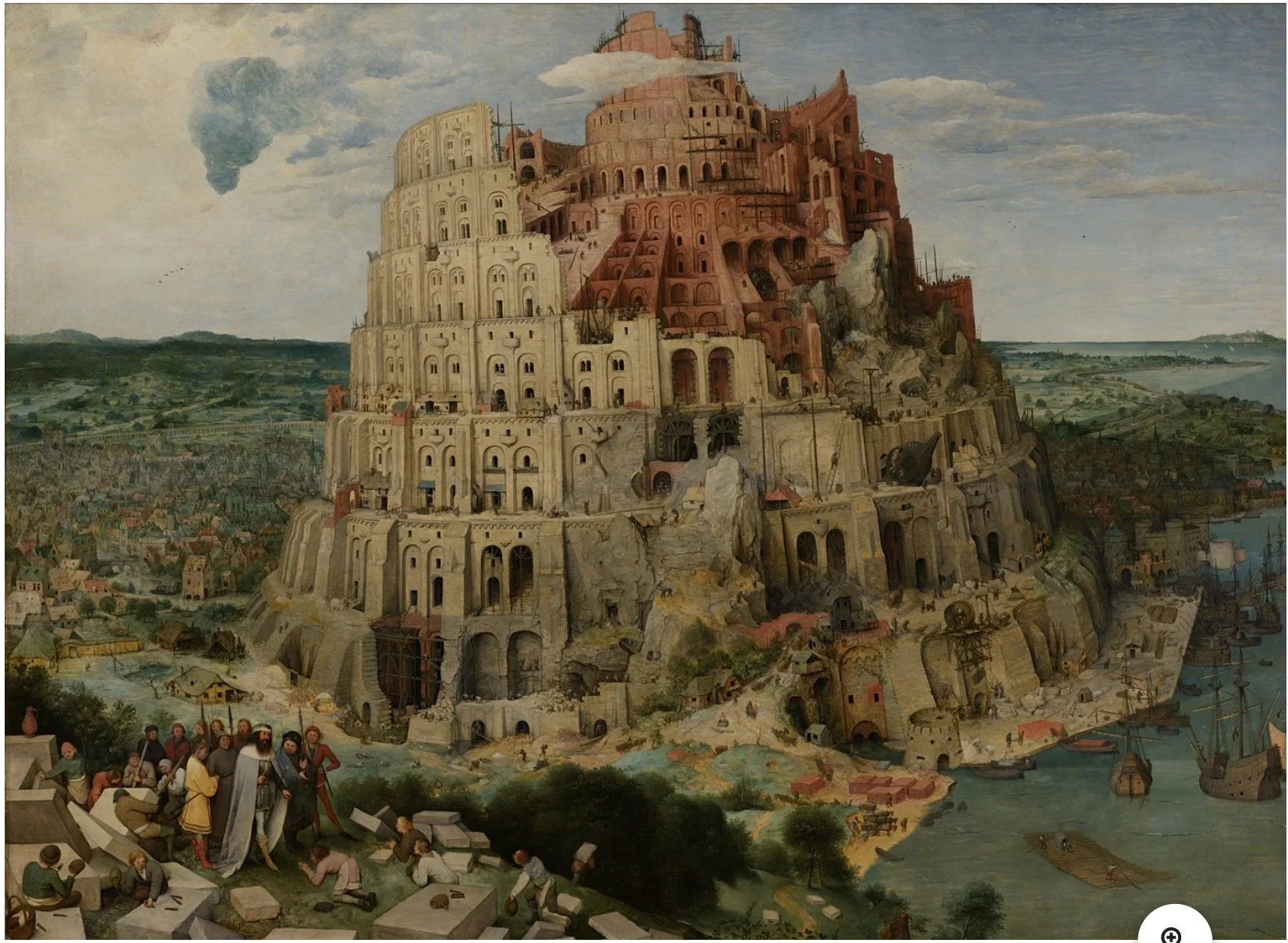
The Tower of Babel (Bruegel) - 11225 x 8214 pixels (~38MB)
Frequently Asked Questions
-
Squarespace enforces a hard limit on standard image uploads: everything is automatically downscaled, compressed, and capped at a maximum width of 2,500 pixels (around 120 Megapixels max per file). If you upload a massive 10,000px canvas painting or a blueprint, Squarespace will forcefully crush the resolution, wiping away fine brushstrokes, textures, and details.
-
It changes the upload strategy. Instead of uploading one massive file for Squarespace to compress, you can generate pyramic tiles of smaller pieces of the origin image.
Because each tile is well under the 2,500px threshold, Squarespace compression will be harder to notice on those.
The Macroom engine then pieces them back together dynamically on the user’s screen.
-
Squarespace Gallery Blocks have a native hard ceiling of 250 images per block. However, to guarantee absolute platform stability and fast rendering on lower-end mobile devices, we highly recommend aiming for a sweet spot of 70 to 120 tiles per image.
Setting your slicer engine to target a tile size of 512px or 1024px will naturally keep your high-res files perfectly optimized within this threshold.
-
The engine is built to process massive, gigapixel-scale master files smoothly. We have successfully stress-tested it using extreme assets with zero performance degradation, including:
NASA’s Webb Four Pillars of Creation: 8,423 × 14,589 pixels (~159MB)
Van Gogh’s The Bedroom: 8,211 × 6,501 pixels (~300MB)
-
No - in fact, it does the exact opposite. This is the primary architectural benefit of a tiling framework. Instead of forcing a mobile visitor to download a single, punishing 50MB image upfront (which tanks your SEO and Core Web Vitals), the plugin initially requests just a single, tiny, ultra-low-resolution overview tile. As the user deep-zooms into a coordinate, the engine dynamically fetches only the specific, lightweight tiles required for that exact viewport. Bandwidth consumption is highly restricted and completely optimized.
-
Best Use Cases
Art Galleries & Photography: Displaying highly detailed digital art, fine art paintings, and complex photography portfolios where brushstrokes or fine textures matter.
Gigapixel Landscapes: Presenting sweeping panoramic shots or large-scale architectural photography.
Infographics & Blueprints: Hosting giant maps, schematics, or highly intricate vector graphics that require reading small text.