When building global stores on Squarespace, handling languages and localized prices usually feels like a challenge since native settings limit you to one base currency and language per site.
You may know Weglot is kinda industry standard, but have you wondered how Squarespace website owners are actually using it on their sites alongside multi-currency tools?
Here are a few live examples built with Weglot + TinyCurrency:
🌍 Vé Boisvert (veboisvert.com)
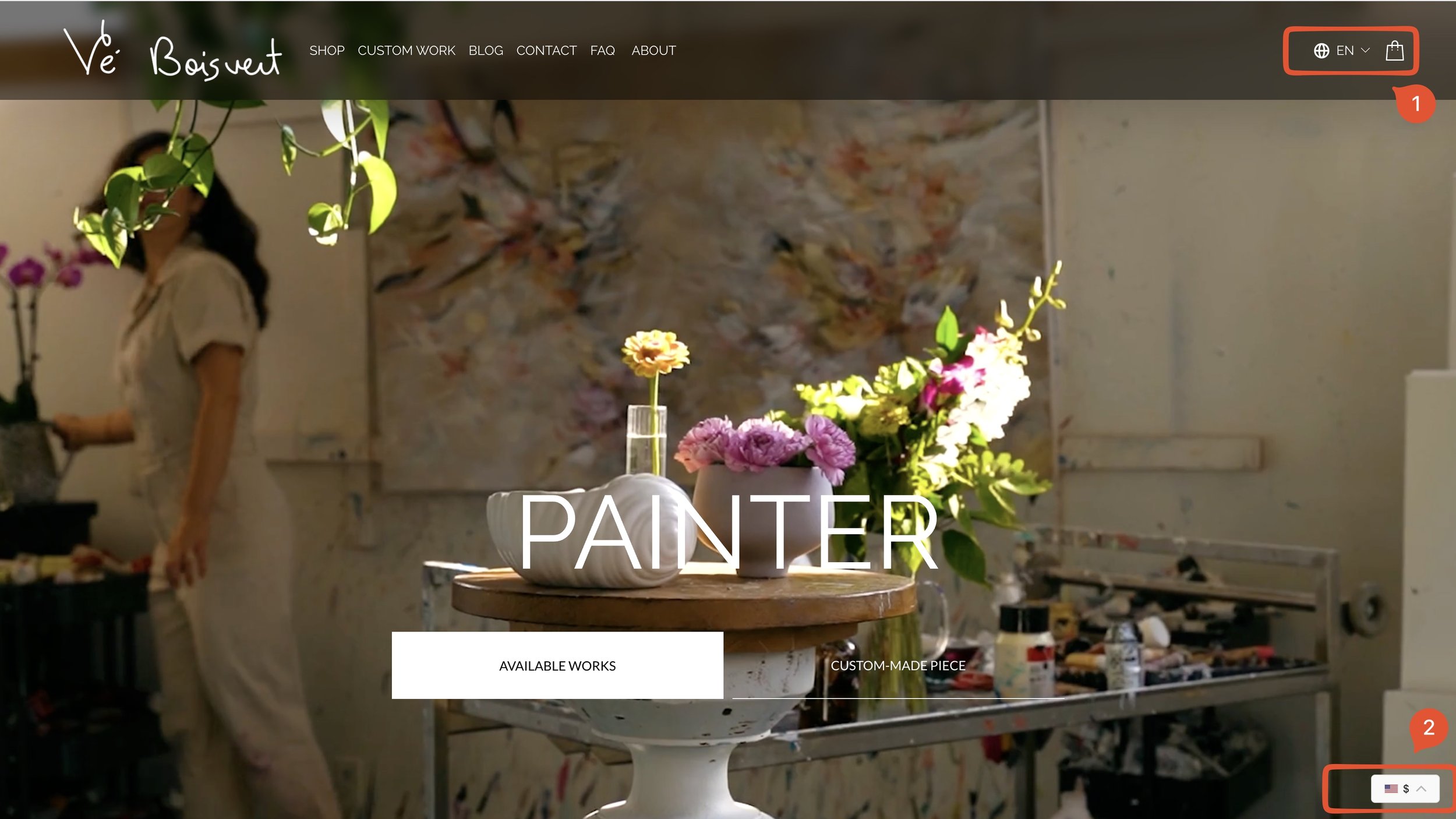
A fine art website where a clean header dropdown without flags blends seamlessly into the hero design. They handle currency via a floating bottom-right widget that opens a sleek selection modal on click rather than staying as a standard drop menu.
🌍 Celebrity13 Beauty (celebrity13beauty.com)
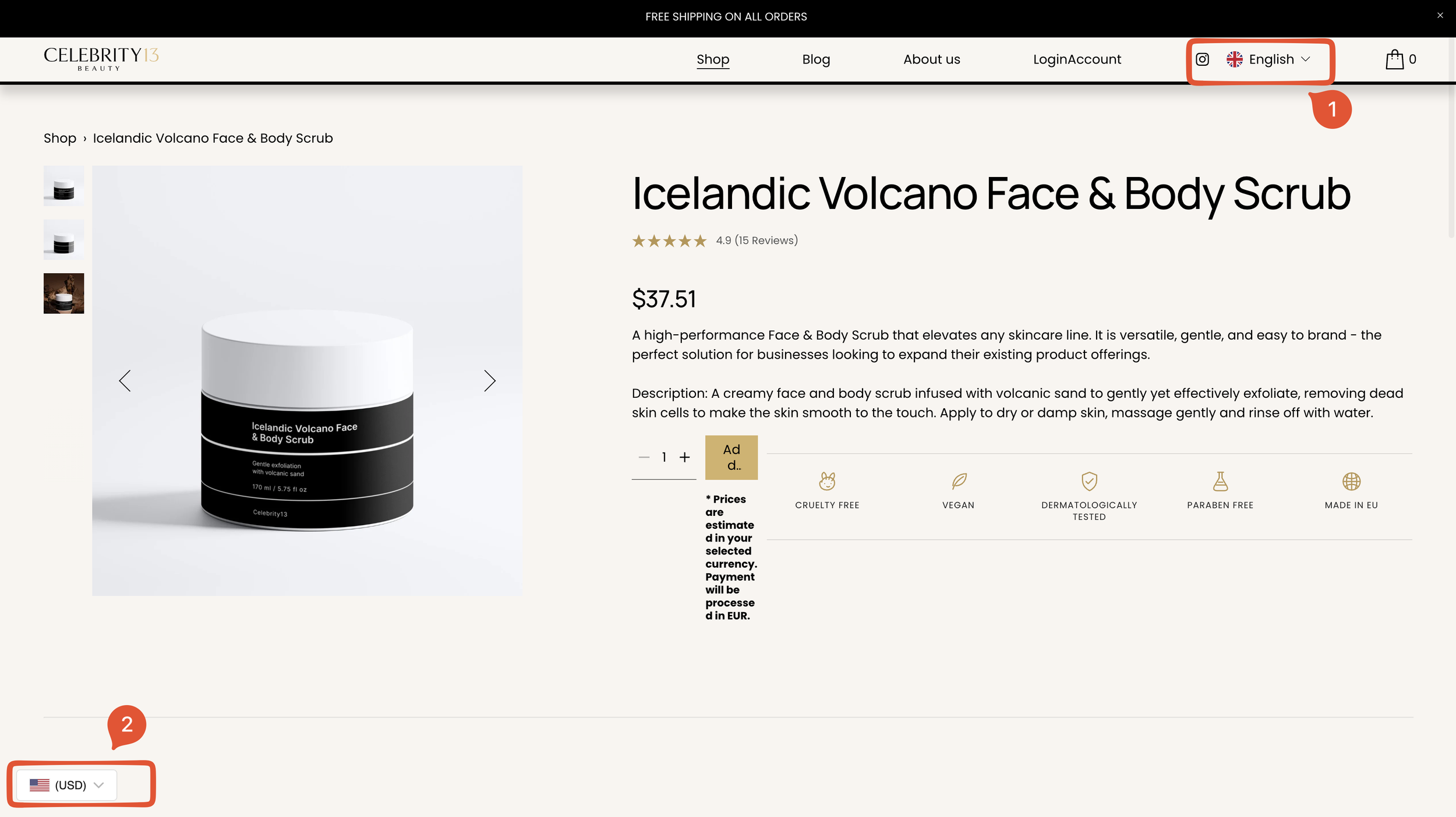
This skincare and cosmetics store leverages a flag-based language dropdown in the header menu. On the pricing side, they support 3 localized currencies - Euro, Czech Koruna, and Ukrainian Hryvnia - alongside USD right on their product pages.
🌍 Cognac Jewellery School (cognacjewelleryschool.com)
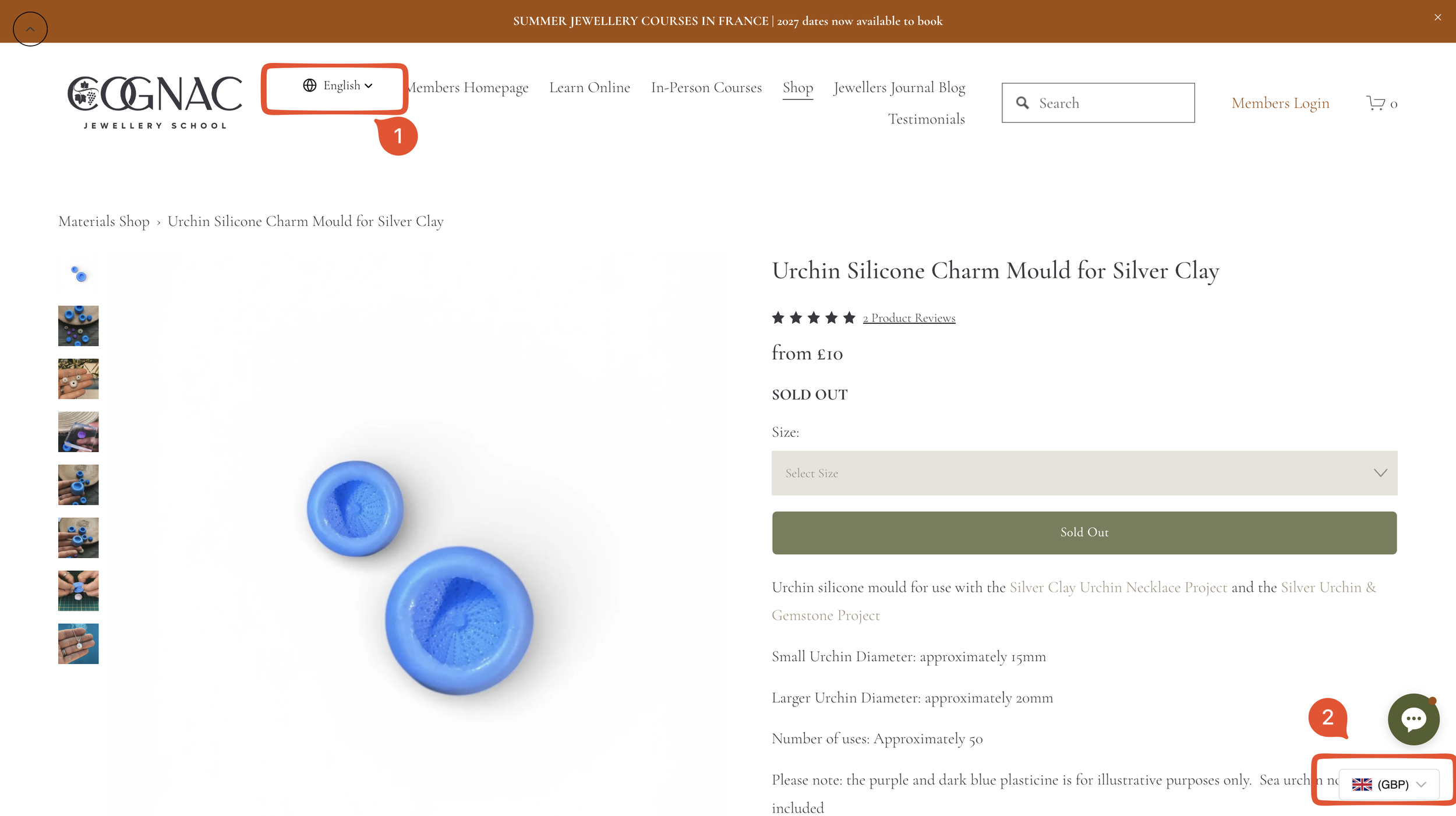
This craft supply shop moves the language selector over to the top-left navigation. It gets the job done, though having the floating currency widget, chat app, and an unusual top-left scroll-to-top button all active makes the bottom layout feel a bit crowded.
How are you currently handling multi-language or multi-currency setups for your own site or your clients?
If you're looking to implement this stack, both Weglot + TinyCurrency are available directly as official Squarespace Extensions to help you get started in just a few clicks.